Things is now fully optimized for touchscreen Macs, with intuitive swipe gestures, smooth drag and drop, touch-optimized dialogs, and numerous refinements throughout.

Apple brought touch input to the new MacBook Pros. We’ve now gone through the app to add new functionality and refine the touch interactions throughout. We think it’s pretty neat!
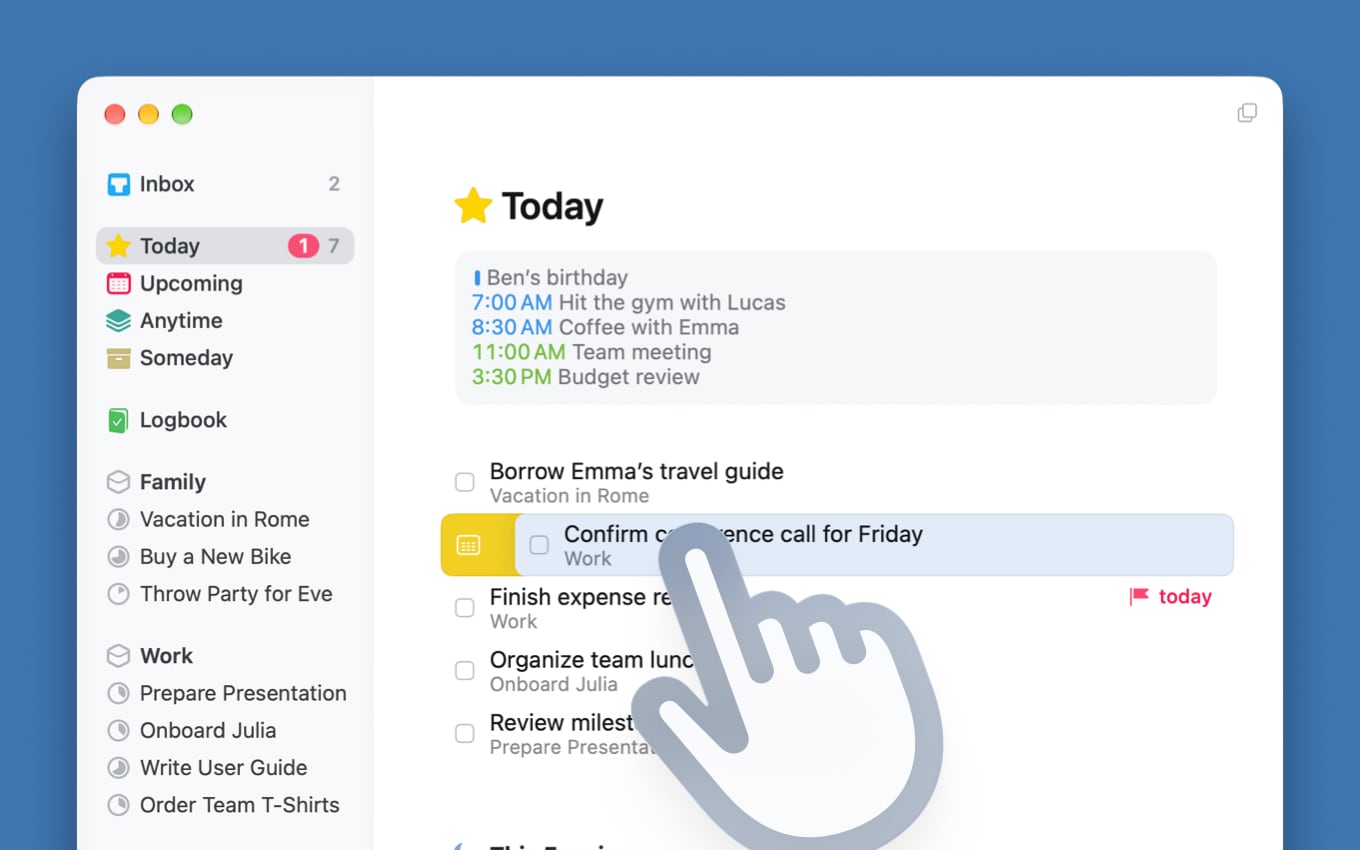
Swipe – To-dos now slide! Swipe right to schedule; left to select. Keep swiping left on other to-dos to add them to your selection. To quickly select a whole range of to-dos, swipe up or down the list with two fingers.
Drag – We’ve spent quite some time refining drag and drop for touch input to make it feel as natural as it does in Things on your iPhone. To-dos now respond immediately to your touch and transition smoothly into a drag. You can, of course, drag individual to-dos and headings, or select multiple items and move them all together.
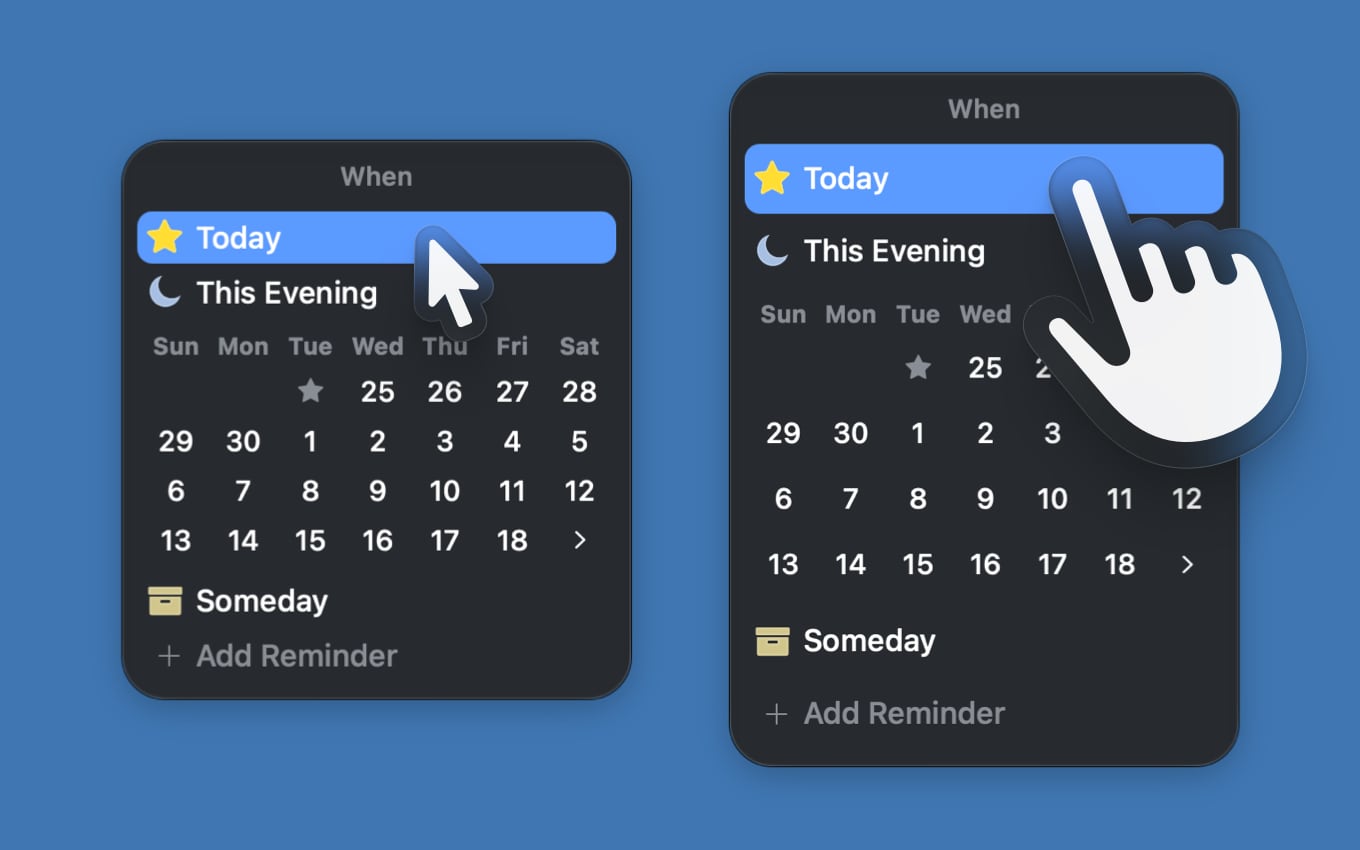
Tap – Tap a to-do to select it, then tap again to open it. A quick double-tap also works. You can also tap and hold a to-do’s checkbox (or that of a checklist item) to mark it as canceled. Much like Apple’s menus, Things’ menus and dialogs now give their contents a little more space when opened via touch, making it easier to tap accurately.
More – There are many smaller refinements throughout the app, too: better sidebar resizing, improved drag and drop of checklist items, larger tap targets for buttons, and more.
Things 3.25 is available now on the Mac App Store. At this time, touch input is only available on the new MacBook Pros. If you’re using Things on a touchscreen Mac, we’d love to hear what you think!
BLACK FRIDAY WEEK SALE - Get Things today and save 30%! The price you see in the App Store already has the discount applied: Mac, iPad, iPhone, Vision. Sale ends Monday, November 30.