The iPhone Duo launches today, and Things is ready to go. We’ve tailored the app with a dynamic layout that looks perfect in every pose. Available now in Things 3.25.
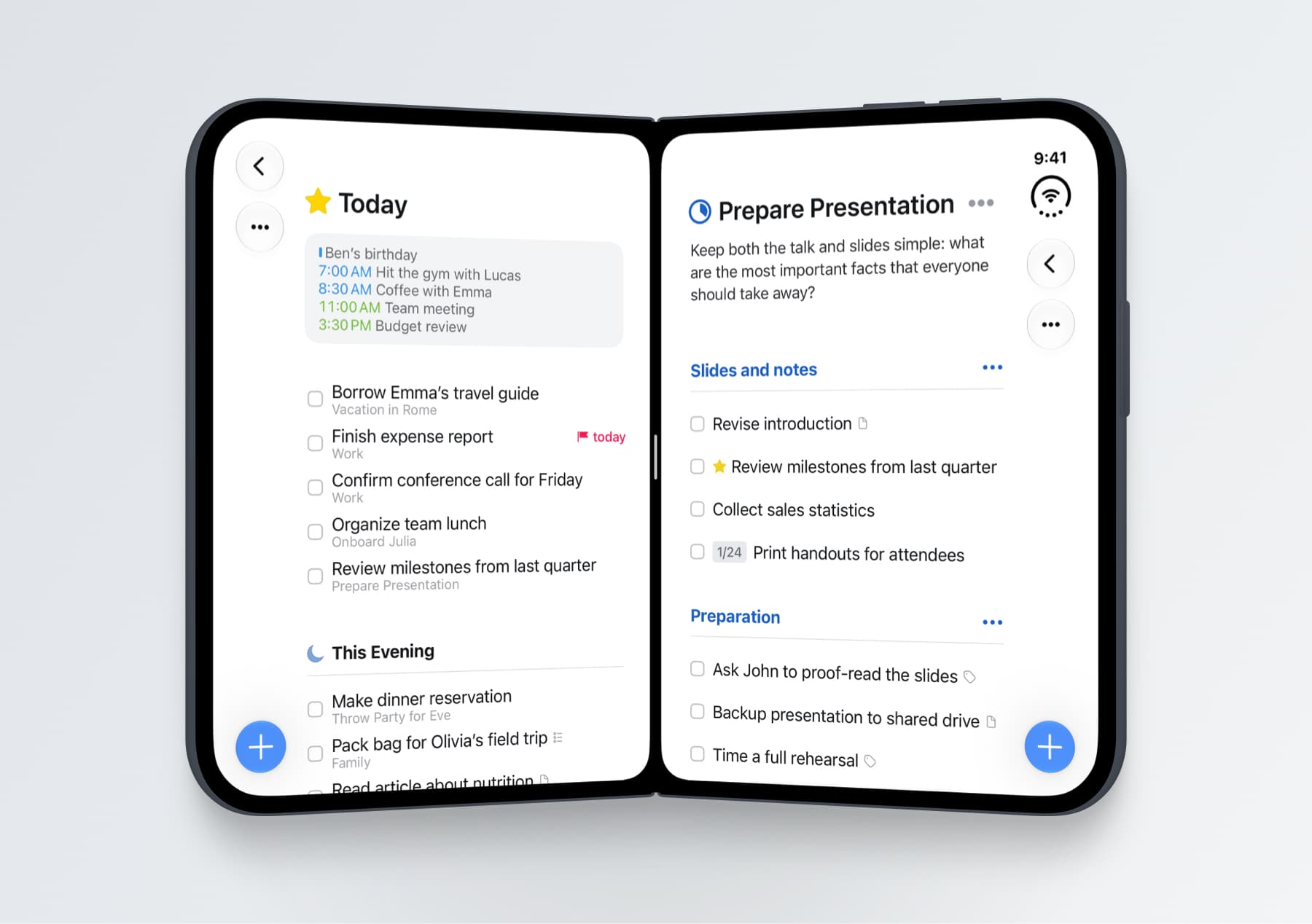
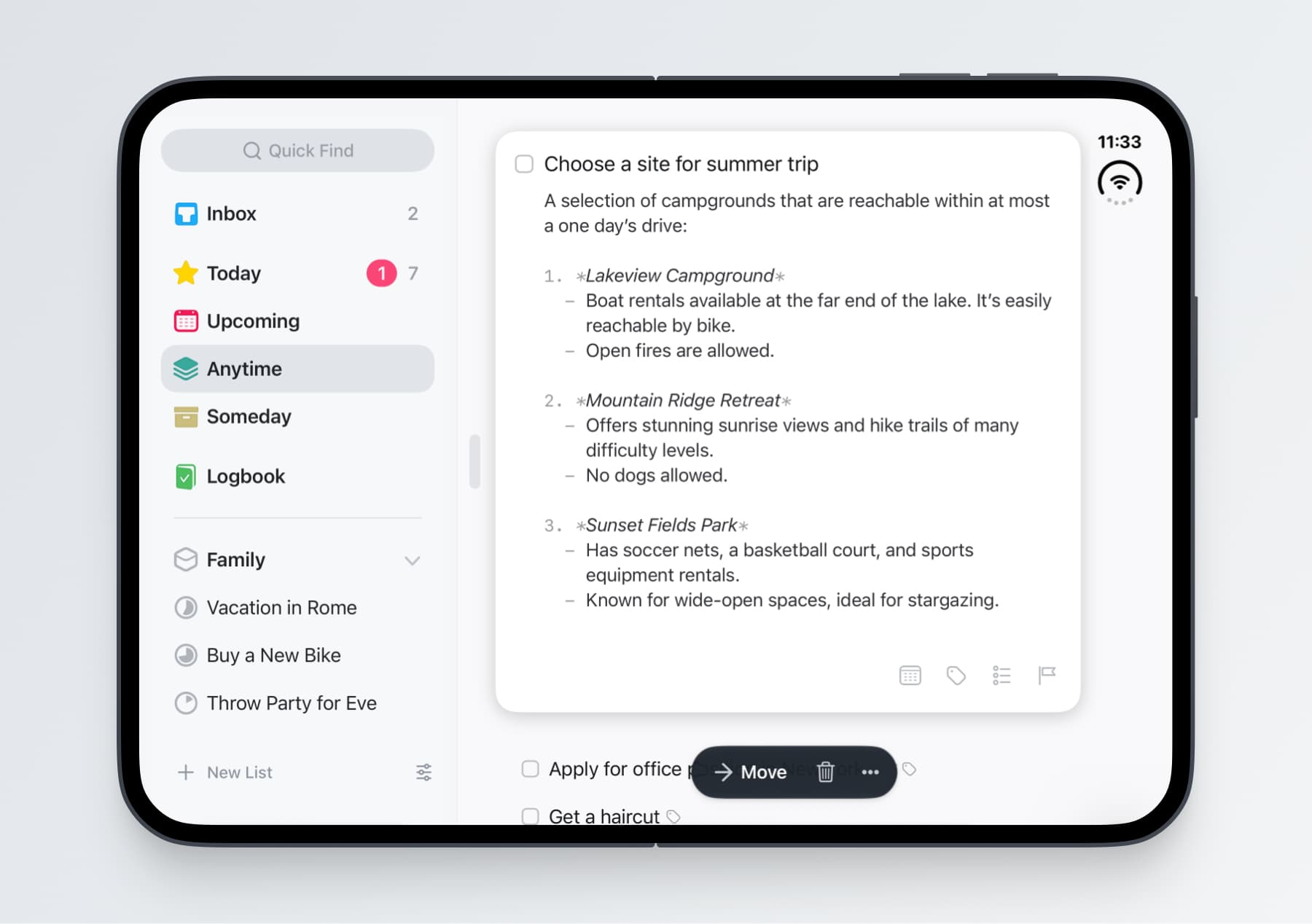
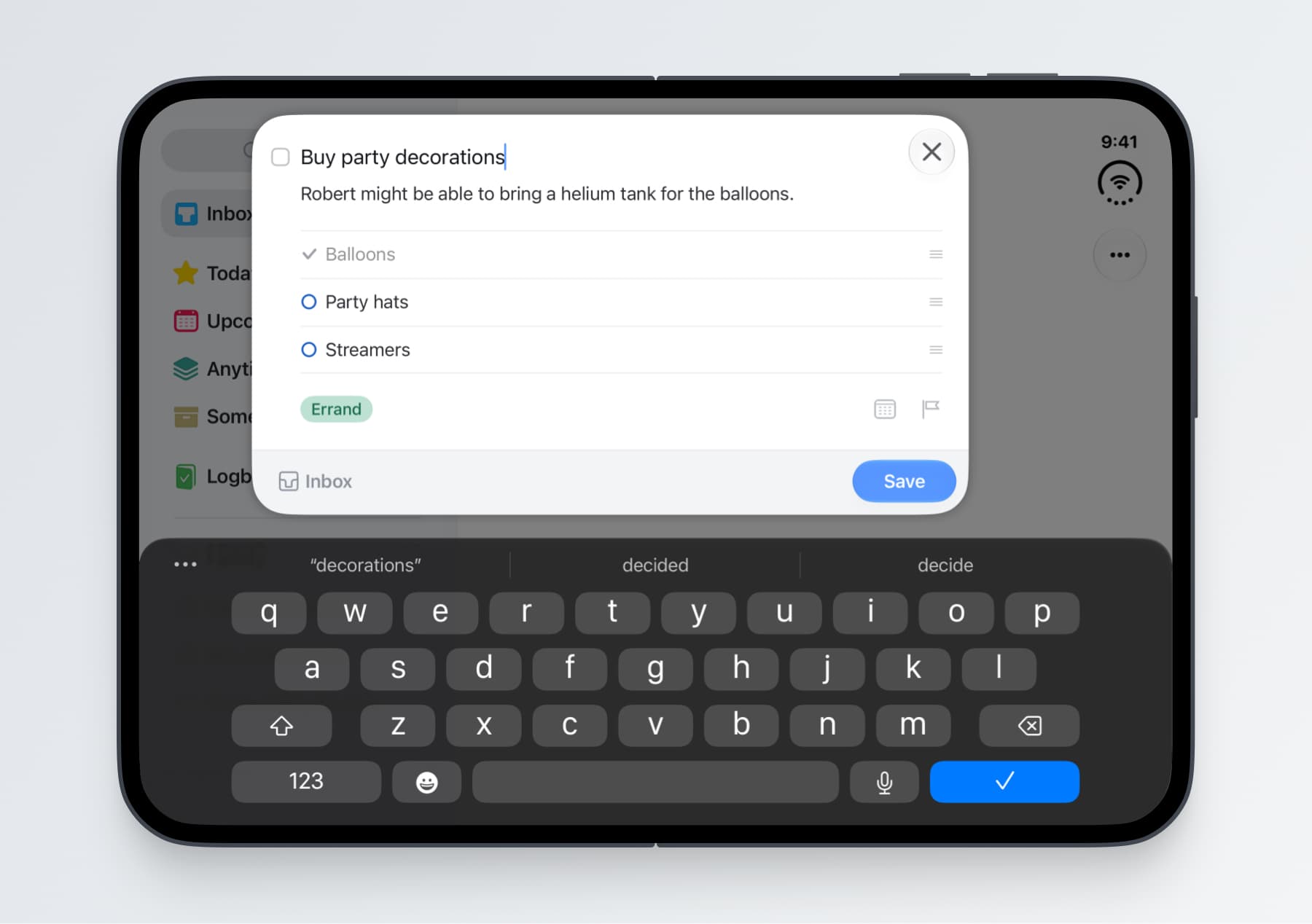
We think you’ll love using Things on the Duo. When we first held the Duo, we were struck by how its wider screen and extra white space give Things the feel of a paper notebook. Things’ interface has always been free of distractions, but with the buttons now tucked away at the side, that paper-like feeling really comes through.
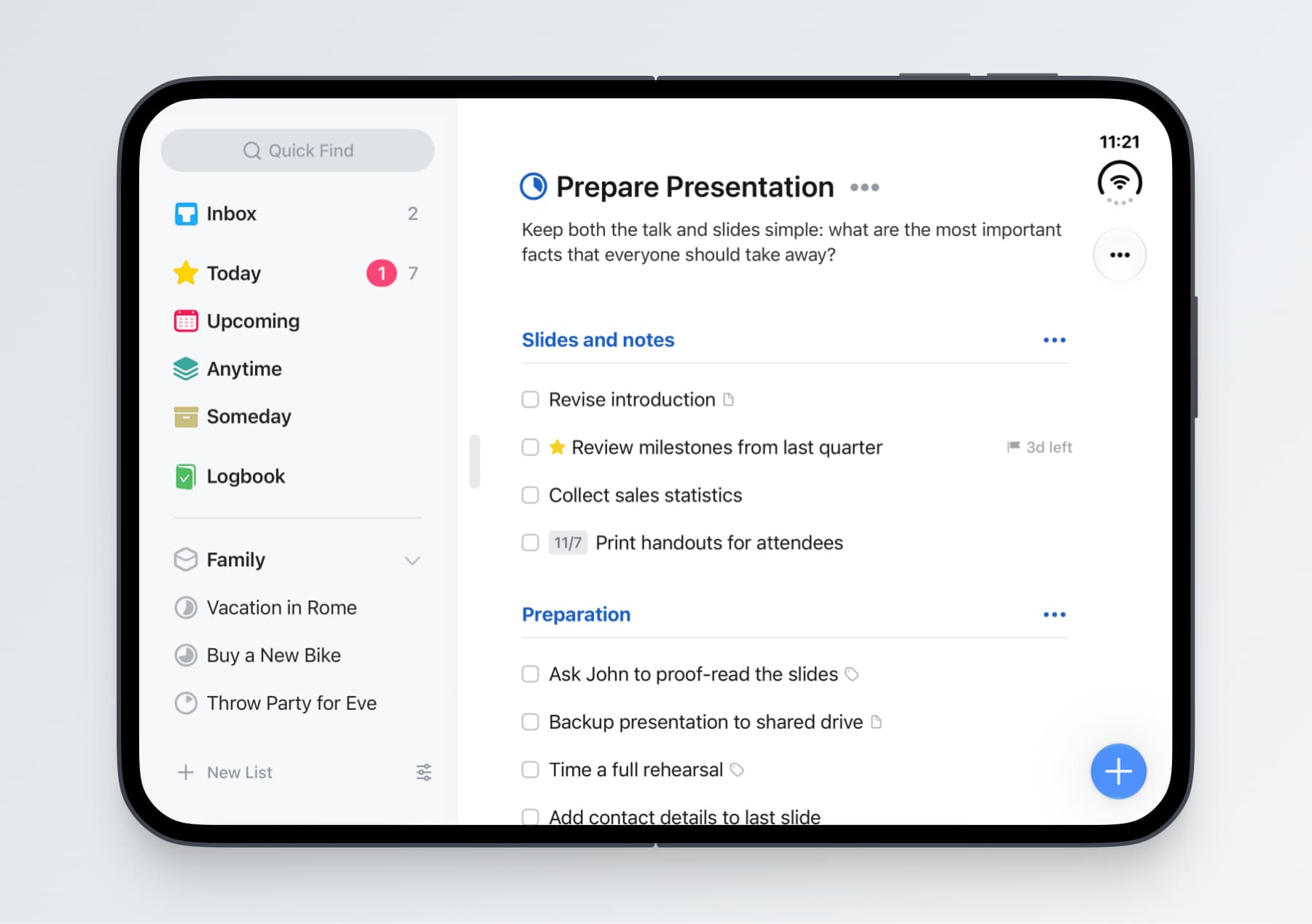
Open up the device and Things’ sidebar appears, letting you quickly switch between lists. Hide it whenever you want the list to take over the full screen – or simply rotate to portrait, where Things does that automatically.
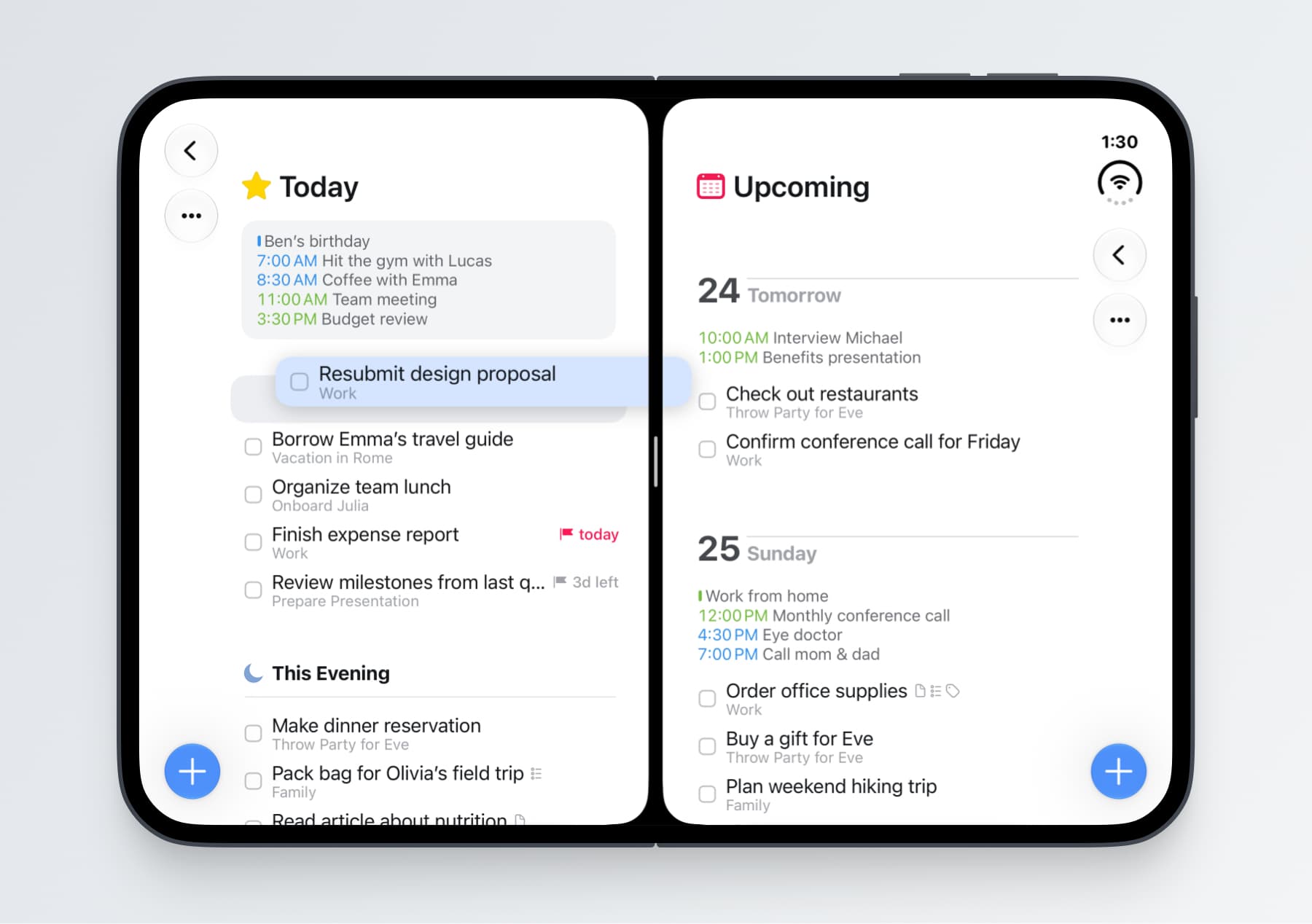
Finally, our favorite new way to use Things on the Duo is to put two Things windows side by side. Open different lists and simply drag and drop your to-dos between them – it’s great!
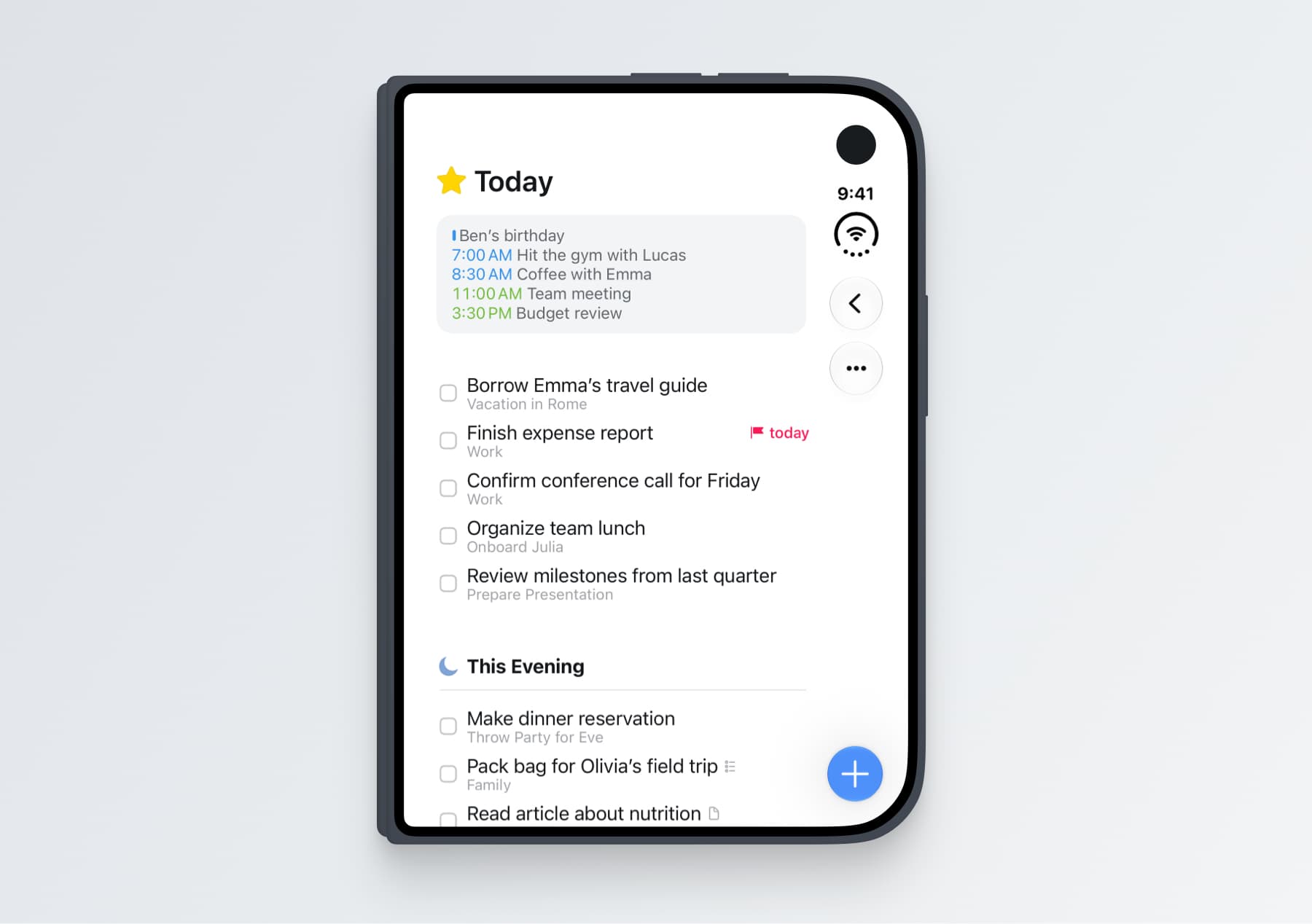
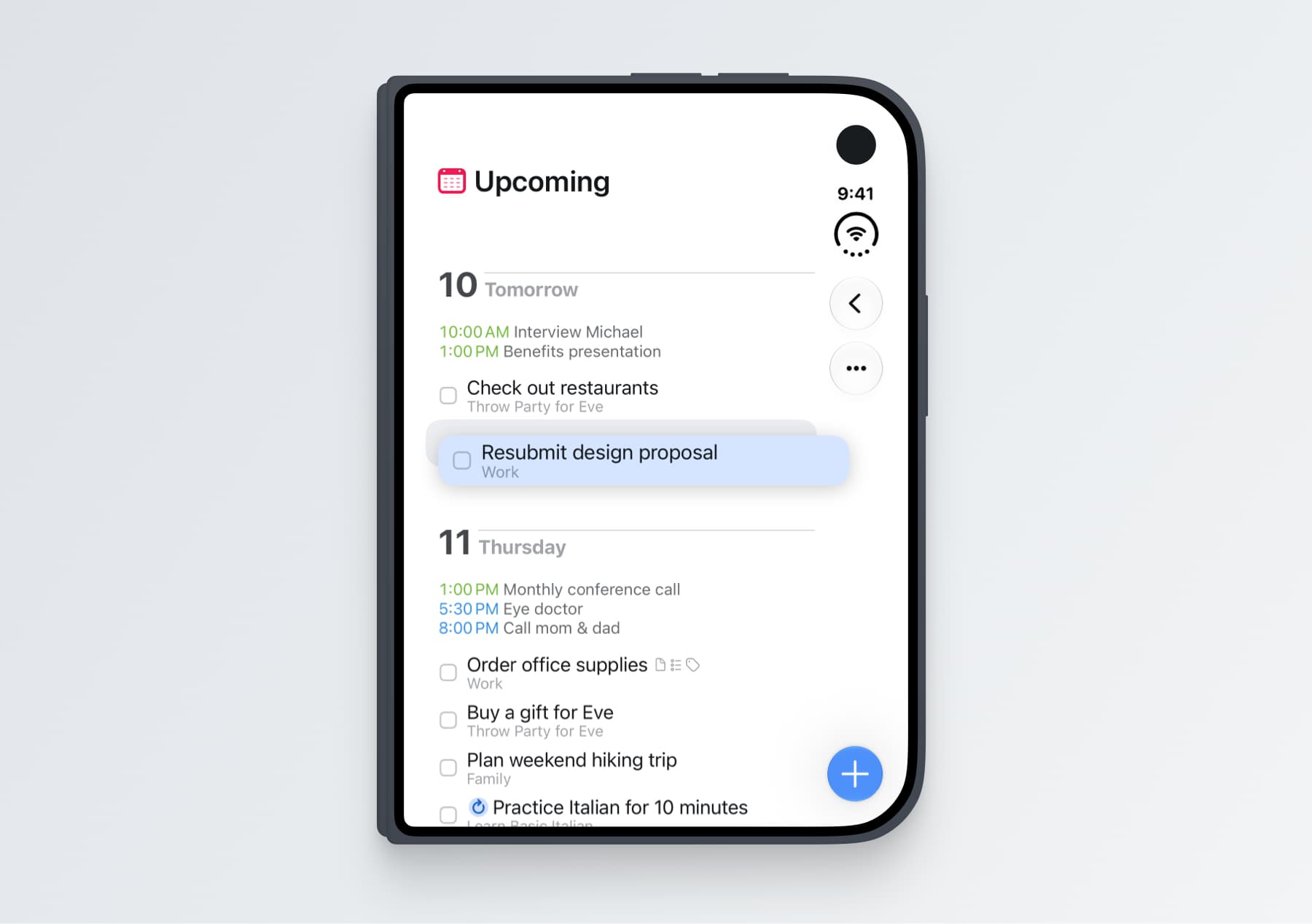
Two more things worth noting:
- Things’ signature Magic Plus button works beautifully on the Duo: drag it off the toolbar and drop it anywhere in a list to insert a to-do exactly where you want it.
- With a keyboard attached, the Duo gets Things’ full desktop-class keyboard support: a persistent selection, the complete set of shortcuts, and Type Travel for jumping between lists.
Things for iPhone Duo is available now; simply update to Things 3.25 on the App Store. We look forward to hearing what you think!